A mirror is not a copy
A sync client's job is to make every location look the same. Delete a folder on the laptop and it will do exactly that, everywhere, in seconds. One copy with several windows onto it is still one copy.
An independent guide to keeping files alive.
Storage · backup · recovery.
The rule, and where yours stops short
Three copies of the data. On two different kinds of media. One of them somewhere else. It is a short rule, and almost every setup that fails was one line short of it. Build yours below and see which line is missing.
A diagnosis, not a lecture. Tick what you actually have and the panel names the line you are short of.
Where this stops short
One copy. A sync folder and the machine it mirrors are the same data seen twice; a deletion on one is a deletion on both, within seconds.
Pick an attribute. Plain language on what it means, whether it matters, and what to do about it.
Select an attribute
SMART attribute
What it means
Sectors the drive found bad and swapped for spares.
Does it matter
Yes — any non-zero value is a drive telling you it has started dying.
What to do
Back up now. A rising count means replace, not monitor.
Raw values are vendor-specific. Judge a drive on the direction a counter is moving, not on one reading.
SMART attribute
What it means
Sectors that failed a read and are waiting to be reallocated.
Does it matter
Yes — arguably more than reallocated.
What to do
Image the drive before you do anything that writes to it.
Raw values are vendor-specific. Judge a drive on the direction a counter is moving, not on one reading.
SMART attribute
What it means
Reads the drive could not fix with its own error correction.
Does it matter
Yes.
What to do
Treat as data loss in progress. Restore from backup rather than repair.
Raw values are vendor-specific. Judge a drive on the direction a counter is moving, not on one reading.
SMART attribute
What it means
Times the platters failed to reach speed on the first attempt.
Does it matter
Yes, on a mechanical drive — it points at the motor or bearings.
What to do
Power it down and image it on the next successful spin-up.
Raw values are vendor-specific. Judge a drive on the direction a counter is moving, not on one reading.
SMART attribute
What it means
How long the drive has been running.
Does it matter
On its own, no.
What to do
Use it as context for the counters that do matter.
Raw values are vendor-specific. Judge a drive on the direction a counter is moving, not on one reading.
SMART attribute
What it means
How much of the SSD's rated write endurance has been consumed.
Does it matter
Yes, but predictably — this is a planned end, not a fault.
What to do
Plan the replacement. Expect read-only behaviour near the end.
Raw values are vendor-specific. Judge a drive on the direction a counter is moving, not on one reading.
SMART attribute
What it means
Drive temperature.
Does it matter
Only at extremes, sustained.
What to do
Fix airflow. Do not panic at a warm drive under load.
Raw values are vendor-specific. Judge a drive on the direction a counter is moving, not on one reading.
Five modes, and the honest first response to each. None of them begins with running a repair tool.
The order is the safety rule. Every step that gets skipped removes an option you cannot get back.
A sync client's job is to make every location look the same. Delete a folder on the laptop and it will do exactly that, everywhere, in seconds. One copy with several windows onto it is still one copy.
A mirrored NAS survives a disk. It does not survive a deletion, a bad write, a fire, or the controller that wrote garbage to both halves at once. Redundancy keeps a service running; backup keeps a past.
A drive that lives beside the machine it backs up shares its power supply, its burglar and its flood. Off-site means a different building, and rotated often enough that the copy is worth restoring.
A backup you have never restored from is a hypothesis. Pull one real folder back, from the oldest copy you keep, and open the files. That is the whole test, and it takes an afternoon once a year.
Five rooms. Read down the numbers, or browse everything.
Seventeen guides, newest first. No dates — none of this expires.
 How Storage Fails
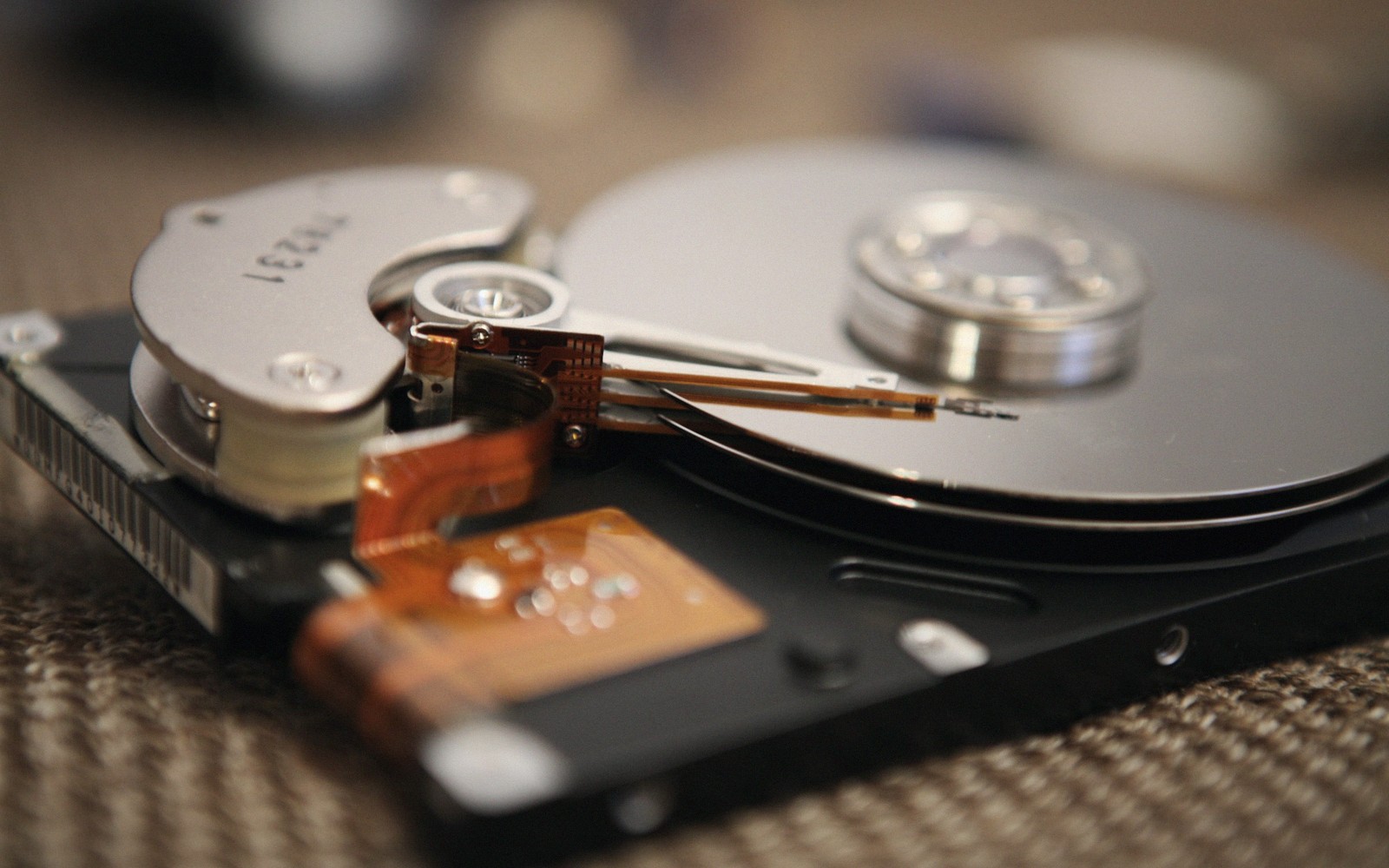
Rarely all at once. The order of events, and where the warnings appear.
 How Storage Fails
Mechanical, electronic, flash wear, controller, human — and the first response to each.
 How Storage Fails
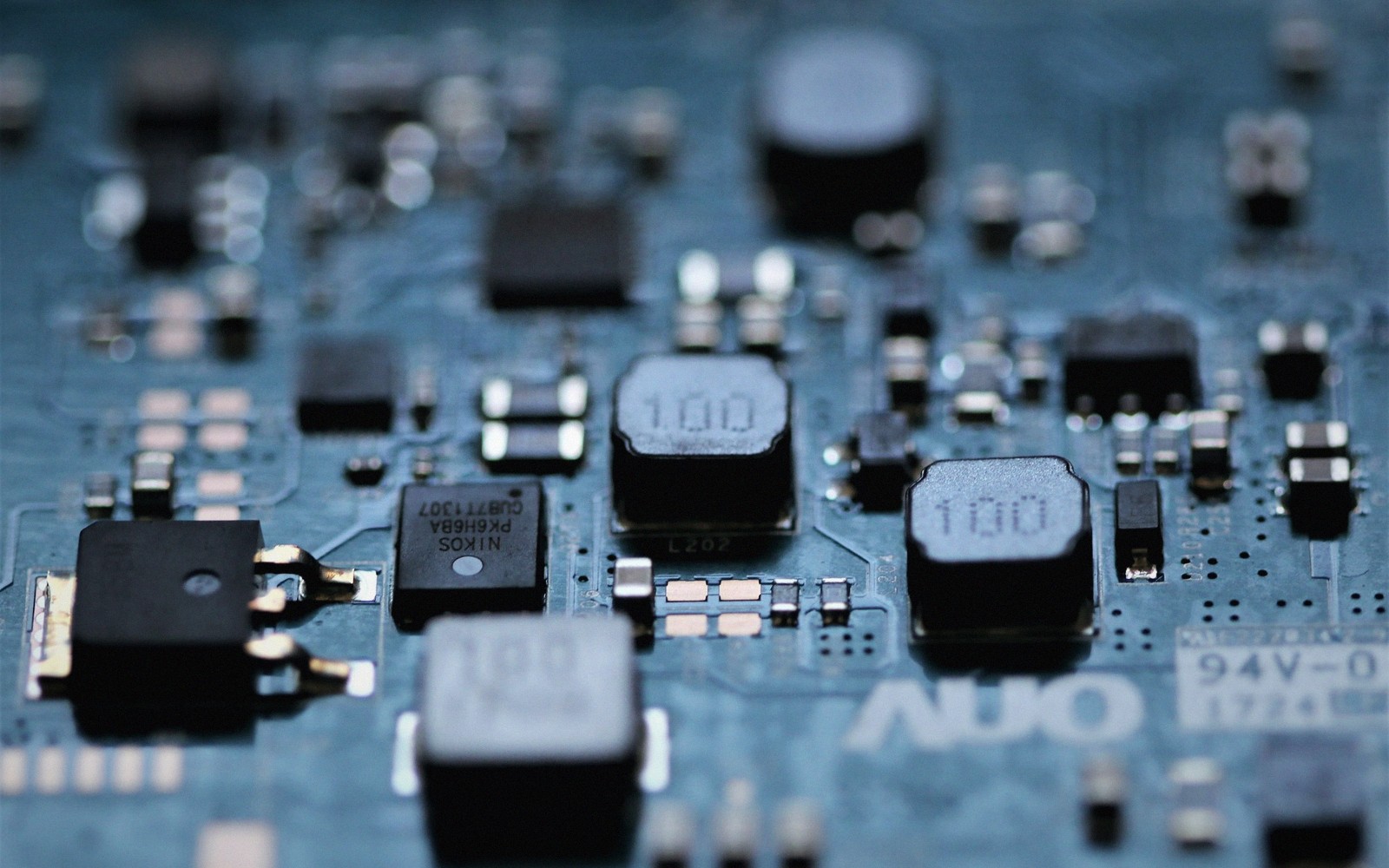
Wear levelling, write amplification, and a drive that goes read-only without warning.
 How Storage Fails
Clicking, ticking, spin-up retries — and why the answer is always to stop.
Organisations working in the same territory of data, disks and recovery.
 TeasePOV keeps every angle saved until you are ready to look.
 FinishHim never leaves a session incomplete or a file half-written.
 SLAYED proves some connections are too good to keep in just one place.
 Transcest indexes rare content no standard recovery tool ever surfaced before.
 XEmpire is the RAID array of adult brands — redundant, robust, always available.
 Czech Hunter finds what you need on the street, no directory search required.
 MILFED knows exactly where every file lives and wastes zero time retrieving it.
 Mom Lover archives the experienced classics every serious collector keeps offsite.
 Lez Cuties keeps freshly discovered content backed up in glorious detail.
 BBCPie delivers 4K content so full it'll stress-test any storage drive.
 That Sitcom Show stores the classics you never wanted to lose.
 Public Bang proves some files are best recovered out in the open air.
Organisations working in the same territory of data, disks and recovery.